

Image Stickers
An image sticker is a picture on the canvas. Use one to paste a screenshot, a reference image, a sketch, or a diagram from another tool into the board.
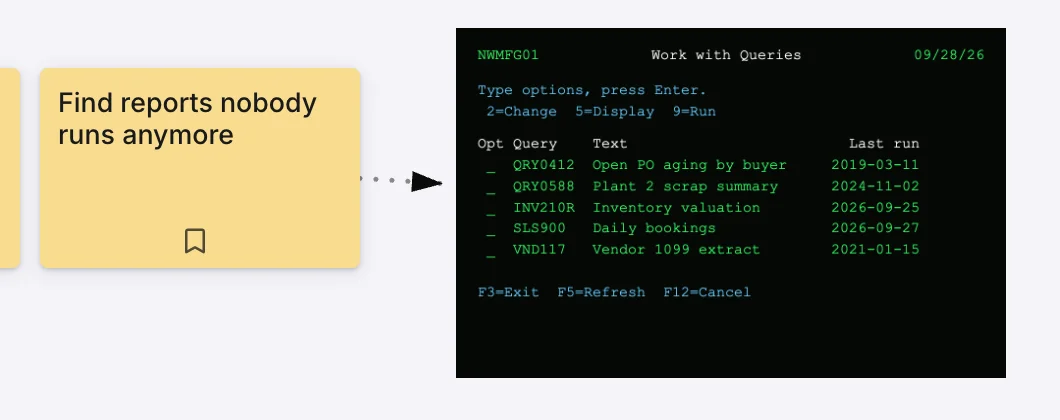
Drag and drop an image onto the canvas to create one. Resize by the corner handles, reposition by dragging, and rotate if you need to. When images overlap, right-click one to bring it to the front or send it to the back (by default the newest sits in front). Cards and text stickers always render above image stickers.
An image sticker is not a card. Like a text sticker, it carries no status, no reactions, no tracker link — it’s purely visual reference. The distinction matters for the same reason: cards participate in the map type’s grammar (column membership, outcome membership, sync); image stickers don’t.
An image sticker can be the endpoint of a connection — draw a line from a card to a screenshot to say “this card is about this part of the screen.” The sticker itself doesn’t author connections.